
 1:10
CH Dispatch · Video tutorial
Create loads with AI
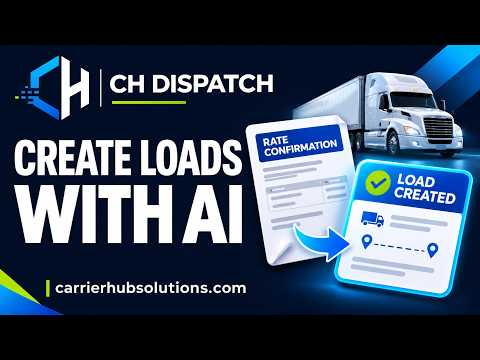
See how to create a load using AI RateCon extraction in CH Dispatch. Turn details from your rate confirmation into a load record and keep your dispatch work organized.
Watch video →See how to create dispatcher invoices in CH Dispatch. Keep your loads and dispatcher billing in one place, and prepare invoices without building them manually in spreadsheets.
See how to create dispatcher invoices in CH Dispatch. Keep your loads and dispatcher billing in one place, and prepare invoices without building them manually in spreadsheets.
Review the carrier, billing period and saved PDF before sending. Creating an invoice and emailing it are separate actions. Available actions depend on your permissions and account setup.
CH Dispatch supports independent dispatchers and dispatch teams managing carrier clients. Explore the platform overview or compare plans and features for your operation.
Need help getting started? Request a trial and our team will follow up by email with login information, guidance and confirmed trial dates.
Watch AI-assisted load creation, dispatcher invoices and driver settlements in three focused videos.
1:10See how to create a load using AI RateCon extraction in CH Dispatch. Turn details from your rate confirmation into a load record and keep your dispatch work organized.
Watch video →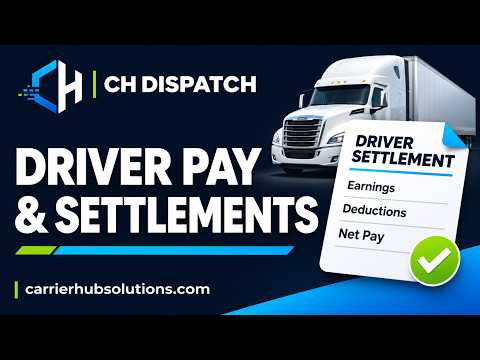 1:03
See how to create driver settlements in CH Dispatch. Organize driver earnings and deductions, review payment details and generate a clear settlement statement.
Watch video →